
Web developers
You already build for the browser and want to be ready for where modern web development is headed. This course shows you how to deliver app-like experiences without abandoning the web.
Build a Progressive Web App (PWA) that feels like an iOS & Android App, using Device Camera, Push Notifications and more
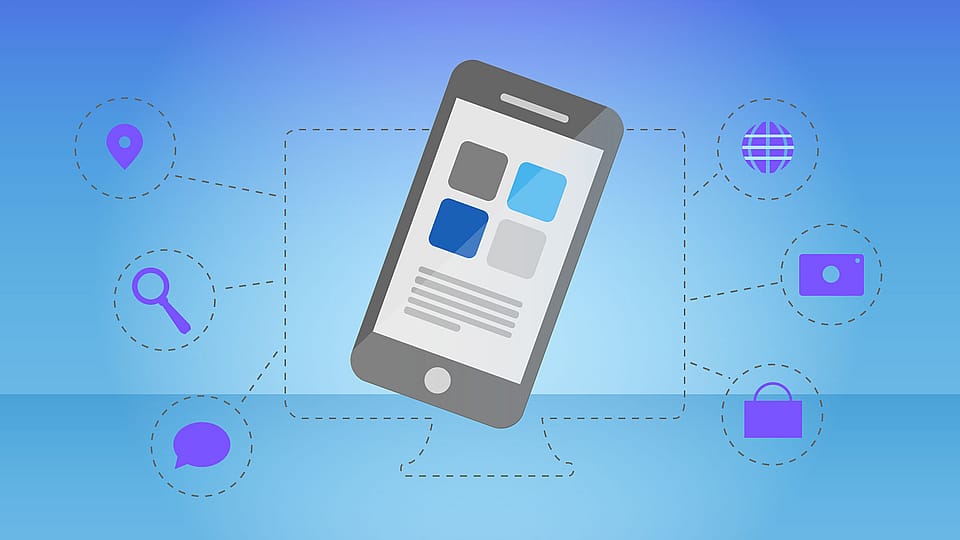
Course Overview
You can build solid websites—but when you compare them to native apps, something feels missing: installability, offline behavior, and those “this belongs on my phone” touches. You don’t want to ship a second codebase or force users through an app store just to get a modern experience.
In this course, you’ll take a plain HTML/CSS/JavaScript web app and progressively add the capabilities that define a Progressive Web App. You’ll work with the browser features that make PWAs fast, engaging, and reliable, and you’ll see how to validate your work with Google’s auditing approach.
By the end, you’ll be able to ship a web app that behaves like a mobile app on iOS and Android: installable from the browser, resilient when the connection drops, and able to interact with real device capabilities. You’ll also know how to apply the same upgrade path to your next single-page app so it can deliver a PWA experience too.
You’ll implement the specific building blocks that make a PWA installable, offline-ready, and engagement-focused—then tune it to hit a top score in Google’s Lighthouse PWA audit.
Create and configure an app manifest so your web app can be added to a device home screen and launched like an app, with the right metadata and app-like presentation.
Use service workers to cache assets and keep your app usable without an internet connection, then apply more advanced caching strategies for better reliability and performance.
Integrate Workbox to simplify service worker management, so you can maintain caching behavior more easily as your app grows without hand-writing every low-level detail.
Add web push notifications to re-engage users and improve retention, understanding the key steps required to deliver notifications from the web in a PWA context.
Implement background synchronization so data can be sent even if the connection is lost, allowing your app to recover gracefully and complete work once the network returns.
Access native-like features such as the camera and geolocation from your web app, so your PWA can do more than display content and can interact with the device.
Ready to get started?
See enrollment optionsBasic knowledge of HTML, CSS, and JavaScript.
No experience with JavaScript frameworks (like Angular or React) is required.
You already build for the browser and want to be ready for where modern web development is headed. This course shows you how to deliver app-like experiences without abandoning the web.
You enjoy working close to the platform and want to push browser capabilities further than “just a website.” You’ll get a clear path to turning your existing skills into PWA-ready skills.
You care about giving users the best possible experience—especially when connectivity is unreliable or attention is hard to keep. This course helps you make your web app feel reliable and engaging across browsers, including older ones.
Preview the structure and pacing of this course before you begin.
And 6 more sections in the full course.
Choose the option that works best for you.
One Payment. Lifetime Access.
$69one-time
Everything we teach. One subscription.
$25/mo
$4,729+ worth of courses